ProductivityWorkflowCLI
The Multi-Terminal Workspace for AI Development
J
Joseph
Author
February 17, 2024
Published
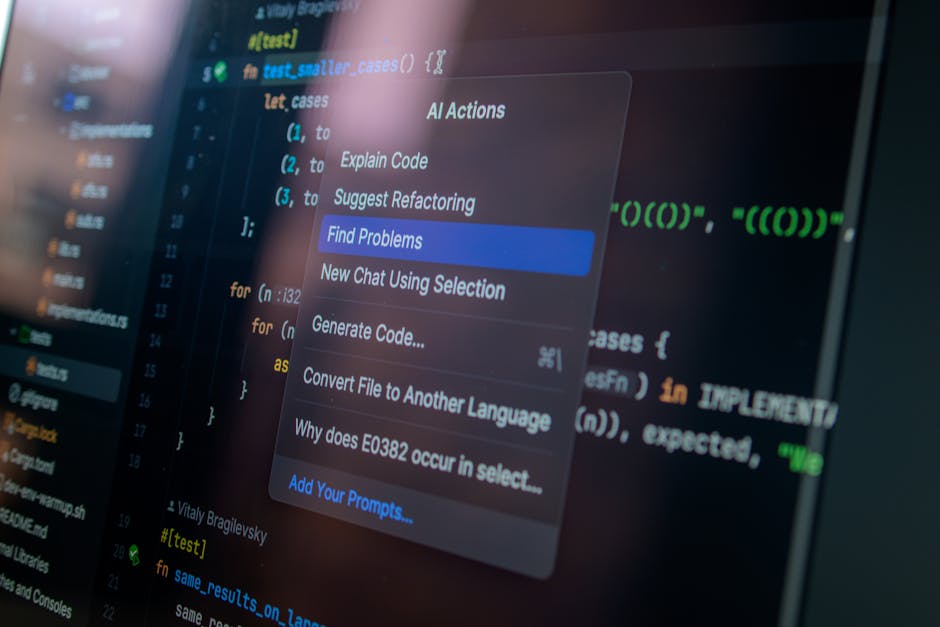
The Multi-Terminal Workspace for AI Development
In the age of AI coding agents, the traditional single-editor workflow is a bottleneck. To maximize your productivity, you need to transition to a Multi-Terminal Orchestration model.
Why Multiple Terminals?
AI agents work best when they have a narrow, focused context. By running multiple agents in parallel across different terminal panes, you can tackle multiple features or bugs simultaneously.
My Workflow Setup:
- Multiplexing: I use Zellij or tmux to divide my screen into logical panes.
- Context Isolation:
- Pane 1: High-level architect agent managing the project roadmap.
- Pane 2: Backend agent focused on database schema and API routes.
- Pane 3: Frontend agent focused on UI components and styling.
- Pane 4: Testing agent running a continuous Vitest watch loop.
Parallel Execution
This setup allows you to remain the "Technical Director." While the backend agent is building out an endpoint, you can have the frontend agent start on the corresponding UI. This parallelization can cut development time by 50% or more, transforming your productivity from linear to exponential.